

Set up volume pricing
Volume pricing allows you to offer different price points based on quantity
In our web admin tool:
- Go to Configure > Manage Products and select your product.
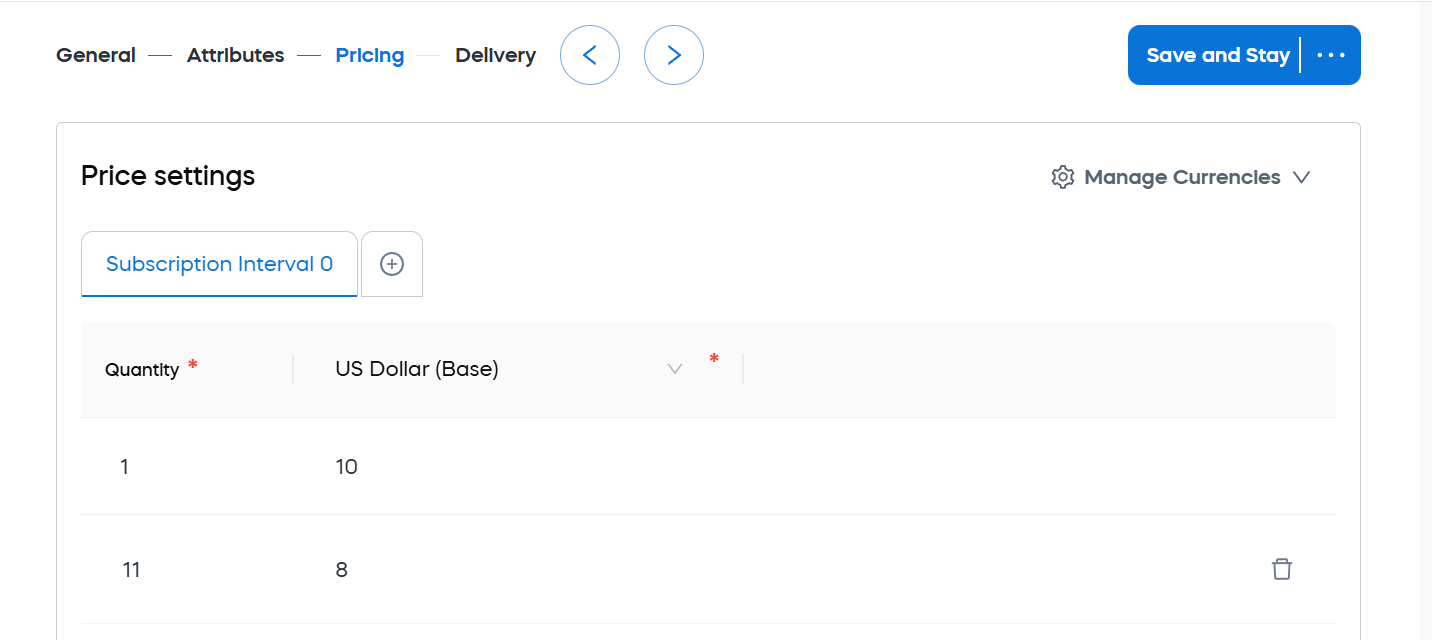
- Go to the Pricing > Price Settings tab.
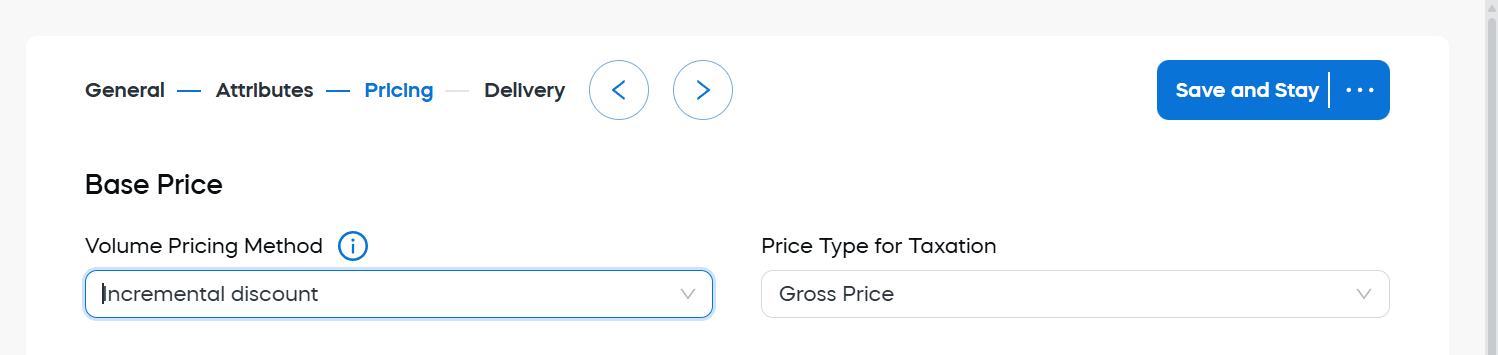
- Select Incremental Discount from the Base Price > Volume Pricing Method dropdown menu.
- Scroll down and click Add New Row.
- Enter the product pricing details.
- Click Save and Close.
Updated 2 months ago
Did this page help you?