

Set up X-parameter
Set up x-parameter in our web admin tool (SCM)
In our web admin tool:
- In the Manage section, search for and open the customer record.
- Select the Subscriptions tab.
- Click the relevant Subscription ID from the list on the left.
- On the Subscription Details page, scroll down to the section below Subscription Items.
- Select the X-Parameters tab.
- Review the X-parameters displayed in the table:
- Key – The name of the X-parameter.
- Value – The value assigned to the X-parameter.
The X-Parameters tab displays all X-parameters associated with the subscription.
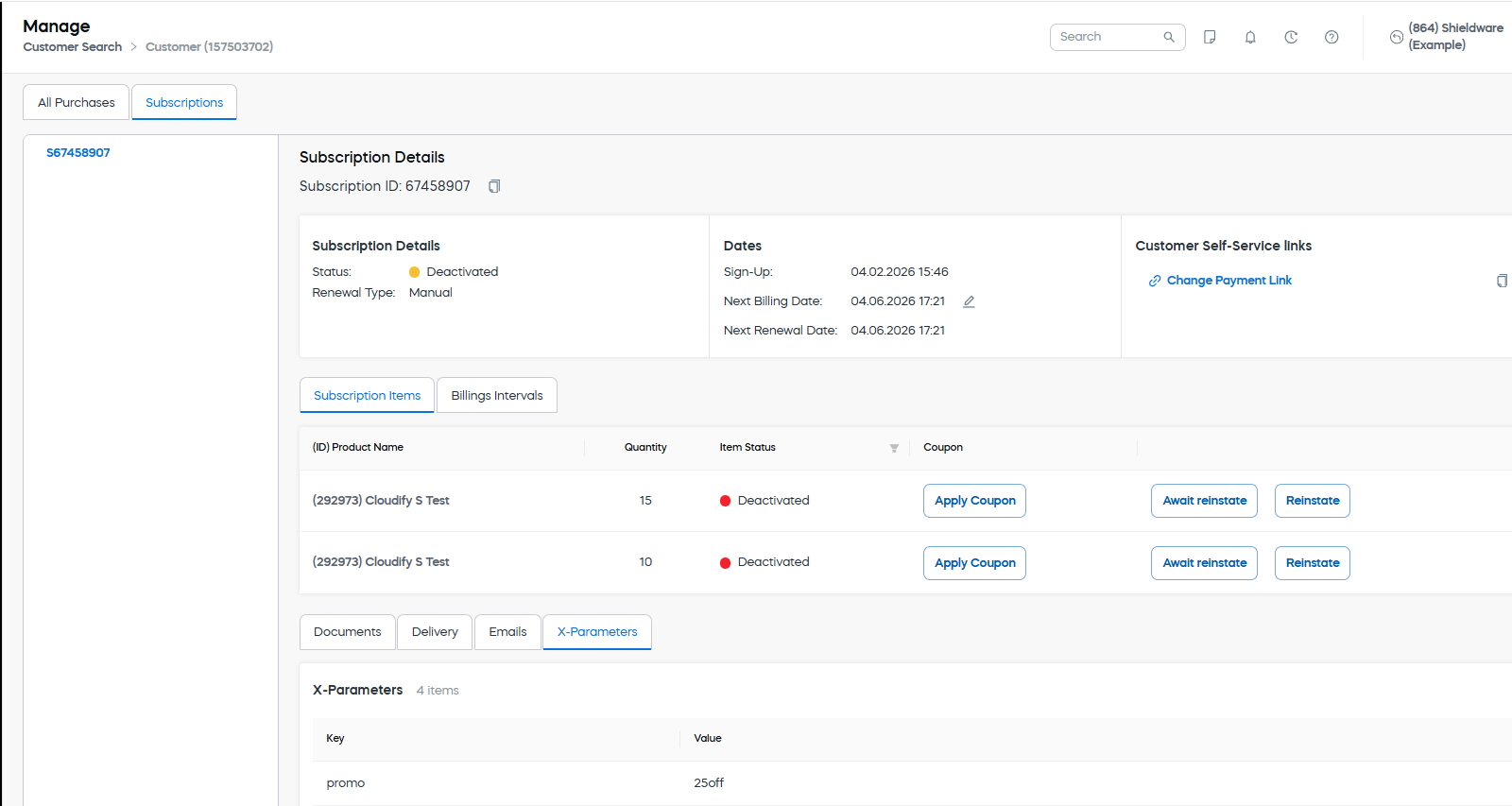
In the example shown, the subscription contains an X-parameter with the key promo and the value 25off
Updated 2 months ago
Did this page help you?